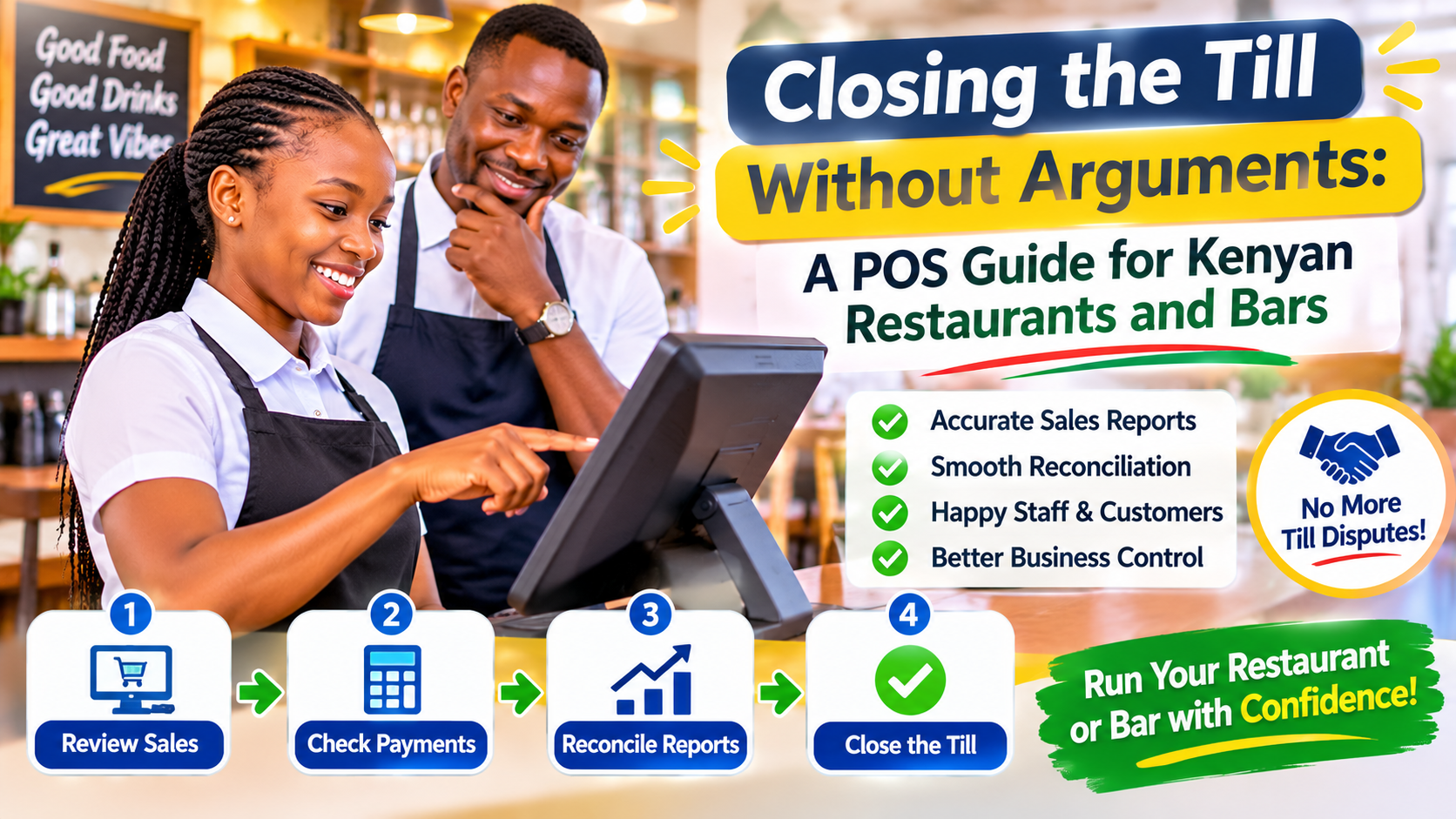
Every restaurant, bar and café owner knows the moment. The evening shift ends, the cashier counts the drawer, someone scrolls through the M-Pesa messages on the till phone, and the numbers do not quite agree with what the kitchen says it sent out. A few hundred shillings here, a missing bottle there, a table that "paid by M-Pesa" but nobody can find the message. Nobody is sure whether it is theft, a mistake or simply a busy night.
This post looks at where those gaps come from in a typical Kenyan hospitality business, and how a properly set-up point of sale (POS) system closes them without slowing your staff down.
Where the money actually leaks
In most of the restaurants and bars we speak to, the problem is not one big loss. It is many small ones that are hard to see because the records are spread across a receipt book, a phone, a kitchen order pad and someone's memory.
Orders that never reach the bill
A waiter shouts an order to the kitchen or the bar, the item goes out, and it is never written on the customer's bill. Sometimes this is deliberate, often it is just a rush. Either way, stock leaves the building and no money comes in.
M-Pesa payments that cannot be matched
A customer pays to your Till or Paybill number and shows the waiter a message. On a busy night, nobody checks that the amount, the time and the till number actually match. Fake or recycled messages, payments to a personal number and simple confusion between two tables with similar bills all end up as shortfalls at closing.
Voids, discounts and "on the house"
Cancelled items, discounts for regulars and complimentary drinks are a normal part of hospitality. The trouble is when there is no record of who approved them and why. Without that trail, it is impossible to tell generosity from abuse.
Stock counted once a month, if at all
If you only count your bar stock or dry store occasionally, you cannot connect a loss to a particular day, shift or person. By the time you notice, the trail has gone cold.
What a good POS changes
A POS is not just a nicer-looking cash register. Set up properly, it becomes the single place where every order, payment and stock movement is recorded, so the end-of-shift count becomes a check rather than an investigation.
Nothing leaves the kitchen or bar without an order
Waiters enter orders on a tablet, phone or terminal, and the order prints or appears on a screen in the kitchen or at the bar. The rule becomes simple: no ticket, no food, no drink. Because the order is already attached to a table or customer, it is automatically on the bill.
M-Pesa payments confirmed by the system, not by a screenshot
When the POS is integrated with M-Pesa, the customer can receive a payment prompt on their phone for the exact bill amount, or the system can listen for incoming Till or Paybill payments and match them to the open bill. The cashier sees a confirmed payment on screen rather than relying on a message shown across the counter. Payments land in your business account, not in someone's pocket phone.
Every void and discount has a name on it
Each staff member logs in with their own PIN. Voids, discounts and complimentary items can require a supervisor's approval and a short reason. At the end of the week you can see exactly who cancelled what, and spot patterns early instead of guessing.
Stock that moves with every sale
When menu items are linked to the ingredients or bottles they use, each sale reduces stock automatically. A spirit sold by the tot reduces the bottle; a plate of chicken and chips reduces the chicken and potatoes. You can run quick daily counts on high-value items and compare what the system expects with what is actually on the shelf.
Shift reports that close themselves
At the end of each shift, the POS produces a summary: cash expected, M-Pesa received, card payments, voids, discounts and outstanding bills. The cashier counts the drawer against that figure. Differences are visible immediately, while everyone still remembers the night.
Features worth asking for
Not every POS suits a Kenyan restaurant or bar. When you are comparing options, look for:
- Direct M-Pesa integration with automatic payment confirmation, not just a field to type in a transaction code.
- Split bills and part payments, so a table can pay partly in cash and partly by M-Pesa without confusion.
- Kitchen and bar routing, so food orders go to the kitchen and drinks to the bar automatically.
- Offline mode, so you can keep taking orders when the internet drops and sync when it returns.
- Role-based access, so waiters, cashiers, supervisors and owners each see only what they need.
- Remote reports, so an owner can check today's takings and stock levels from their phone without being on site.
- Tax-ready receipts, if your business needs to issue invoices that meet KRA's electronic invoicing requirements. Confirm the current requirements with your accountant.
- SMS or WhatsApp receipts and offers, which also help you build a list of regular customers you can invite back.
Rolling it out without upsetting your team
Staff sometimes see a new system as a sign that they are not trusted. How you introduce it matters as much as the software itself.
- Explain the purpose. A clear record protects honest staff, because shortfalls can be traced instead of shared out as blame.
- Start with your menu and stock list. Clean up item names, prices and recipes before go-live; messy data causes most early frustrations.
- Train on a quiet day. Let waiters practise orders, splits and M-Pesa payments before a busy weekend.
- Run a short parallel period. Keep your old method alongside the POS for a few days so you can compare and build confidence.
- Review the first reports together. Use early shift summaries to fix process gaps, not to punish people.
Off-the-shelf or built for you?
A standard POS works well for many single-outlet cafés. Larger operations — a hotel with a restaurant, bar and room service, a chain of outlets, or a venue that also sells event tickets — often need something shaped around how they actually work: charging food to a room, sharing stock between branches, or linking sales to an existing accounting or inventory system. That is where a tailored POS, or a ready-made platform adapted to your needs, makes more sense than forcing your operation into someone else's template.
Talk to Glomex about your till
Glomex builds and adapts point of sale systems for Kenyan restaurants, bars, hotels and shops, with M-Pesa payments, SMS and inventory tracking built in. Whether you run one busy café or several outlets, we can look at how orders, payments and stock move through your business today and suggest a setup that makes closing time a formality rather than a debate. Get in touch and tell us about your operation.
Share this post
Know someone who'd enjoy reading Closing the Till Without Arguments: A POS Guide for Kenyan Restaurants and Bars?